VRChat

🐂🐂 カりボヌむ キャップガン! - Cowpoke Cap Gun! - 🐂🐂

  • ダりンロヌド商品
    ¥ 500

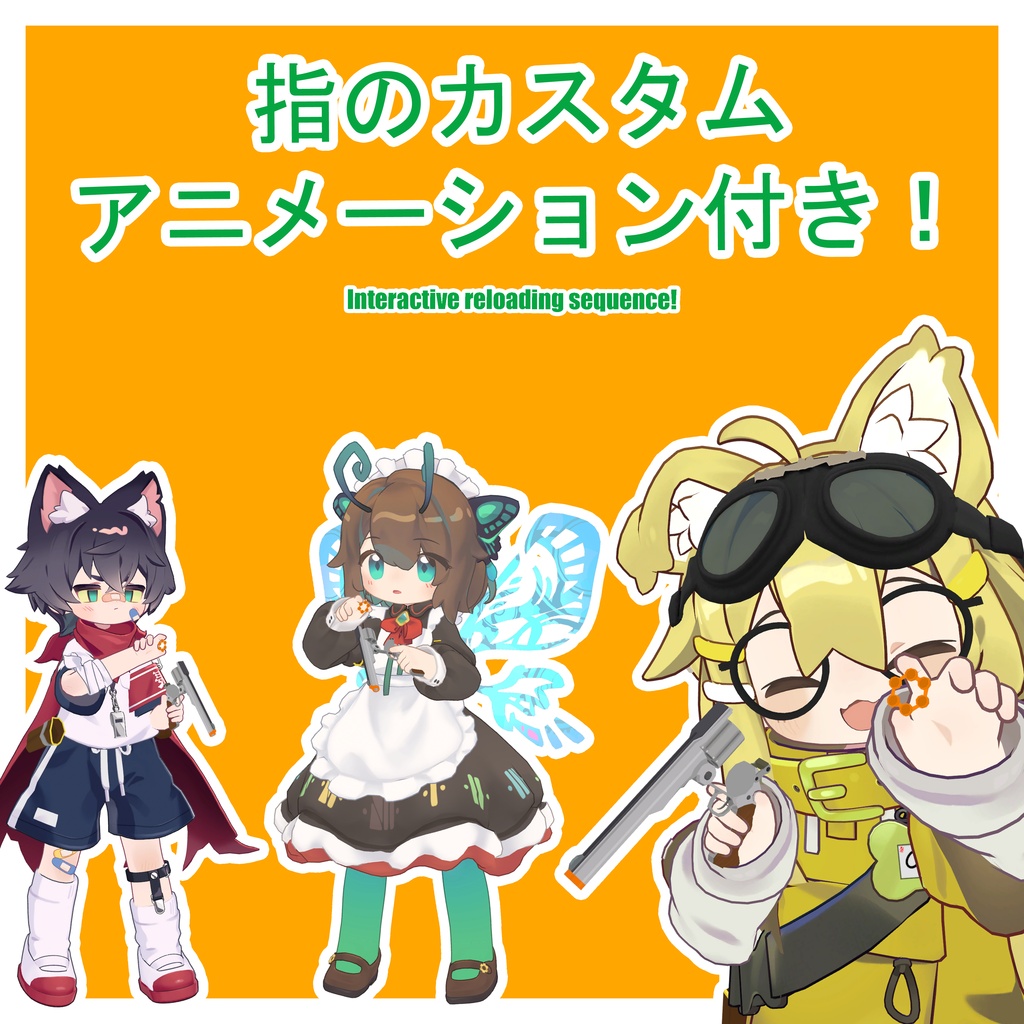
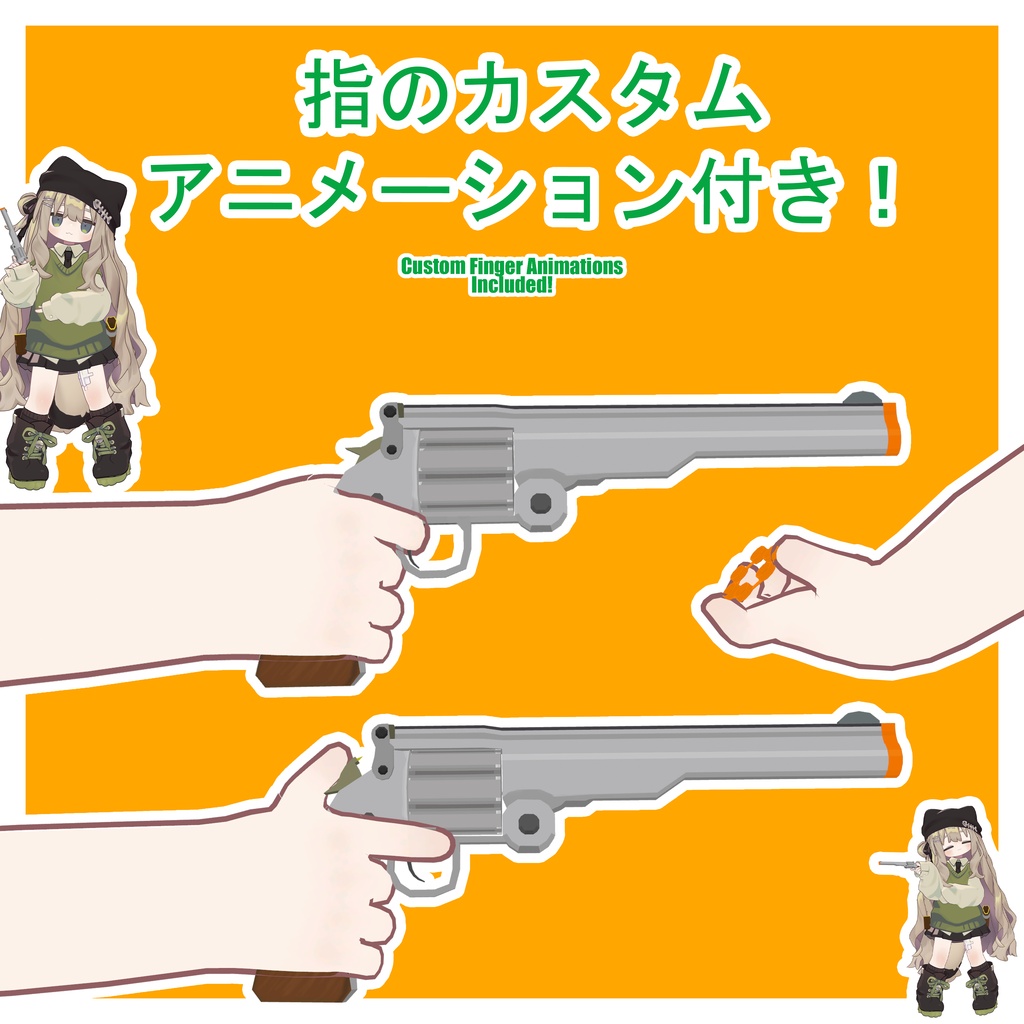
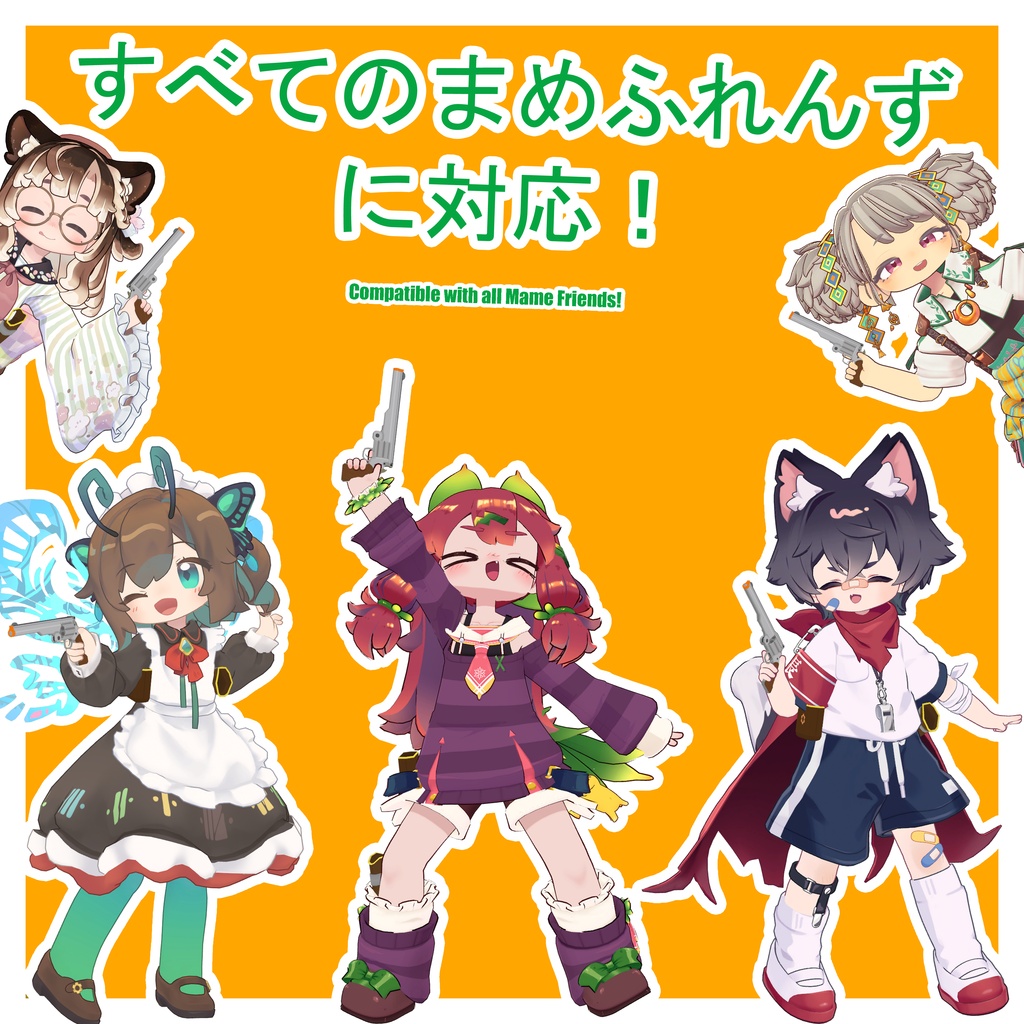
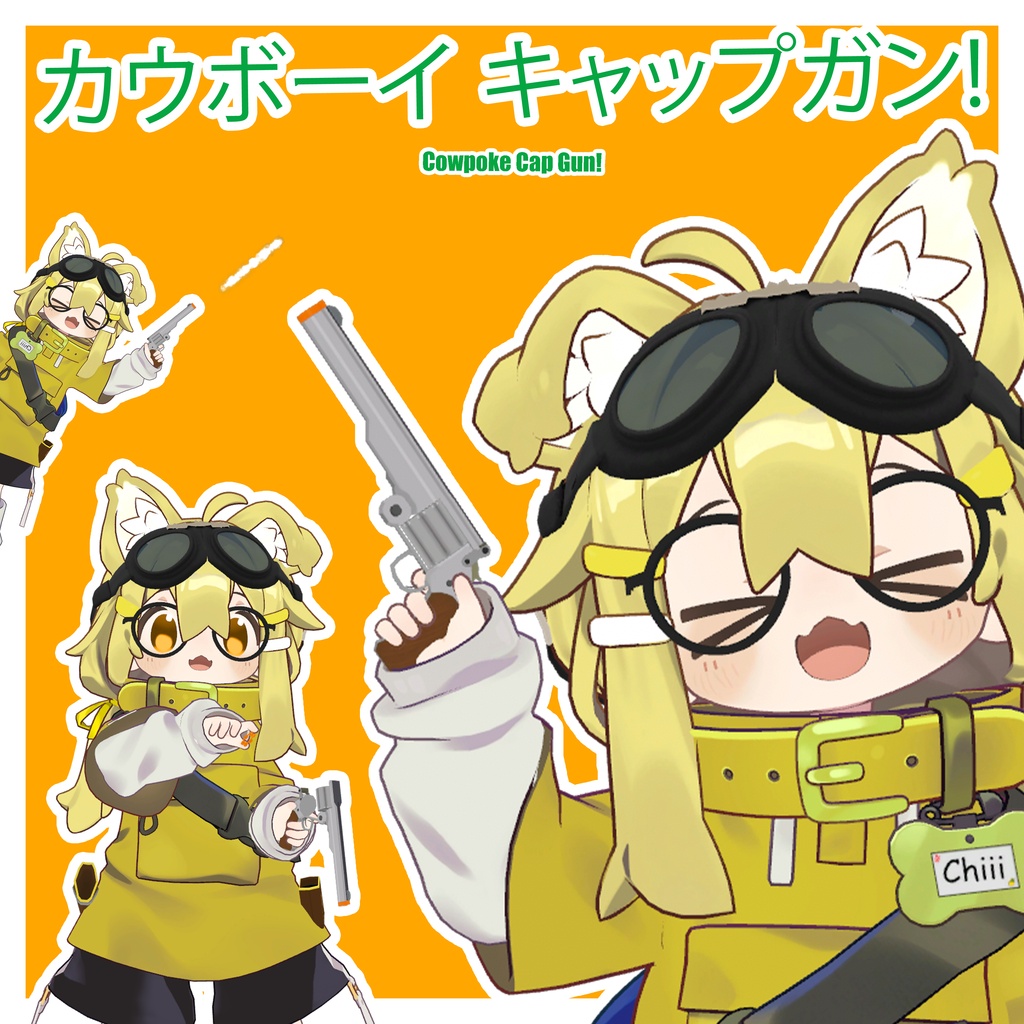
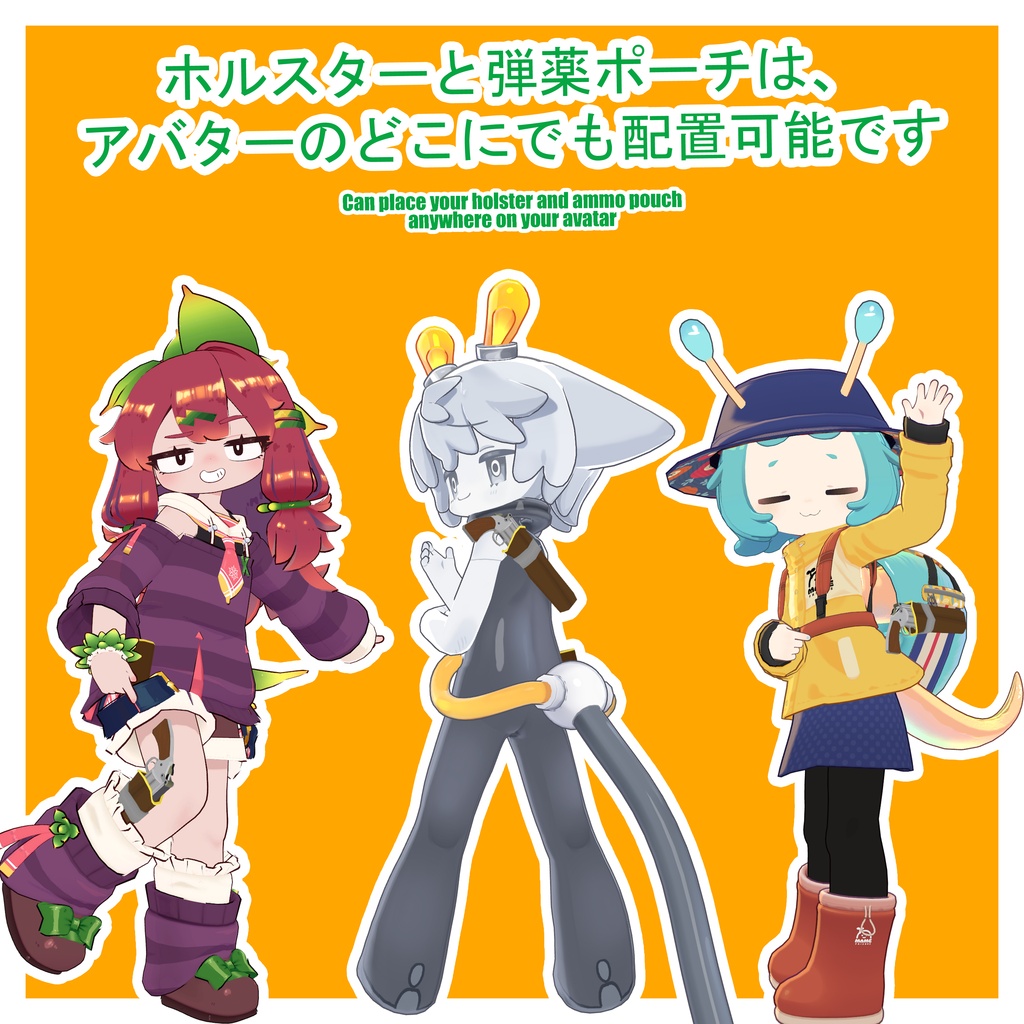
JP 友達ず䞀緒に楜しめる、シンプルで安党なキャップガンかんしゃく玉ピストルのおもちゃですアバタヌの奜きな堎所に配眮できるホルスタヌず匟薬ポヌチが付属しおいたす。さらに没入感を高める指のアニメヌション付き 🐄 前提条件: lilToon Shader: https://booth.pm/ja/items/3087170 Modular Avatar: https://modular-avatar.nadena.dev/ 🐄 セットアップ方法 1「Cchiii Shop」 > 「Cowpoke CapGun」 > 「Prefabs」に移動し、お奜みのプレハブを遞んでアバタヌにドラッグドロップしたす。 2. ピラルキヌでプレハブを遞択し、「MA Merge Animator」コンポヌネントを探したす。「統合されるアニメヌタヌ」の項目にある「アバタヌを遞択しおください」の郚分をクリックしお該圓フォルダを開き、䜿甚しおいるアバタヌに合うアニメヌタヌを指定適甚したす。 ※泚意これにより、既存のゞェスチャヌアニメヌタヌが完党に䞊曞きされたすすでにカスタムゞェスチャヌを蚭定しおいる堎合は、新しいアニメヌタヌにそれらを远加するか、ご自身のアニメヌタヌに今回の倉曎分を远加しおください。ご䞍䟿をおかけしお申し蚳ありたせん 3. 「Holster Proxy」ず「Ammo Pouch Proxy」スロットに、それぞれ配眮したい䜍眮に最も近いタヌゲットボヌンを蚭定したす。その埌、すぐ䞋にある「adjust」スロットを䜿っお䜍眮を調敎するか、あるいはBone Proxyのアタッチメントモヌドを「子ずしお・ワヌルド䜍眮ず向きを維持」に倉曎した䞊で、「Proxy」スロットを䜿っお䜍眮を調敎しおください。 4. 以䞊でセットアップは完了ですお楜しみください セットアップ動画はこちらからご芧いただけたす https://www.youtube.com/watch?v=QPRtG8hqxAY 🐄 䜿甚方法 ホルスタヌから抜く銃のグリップ持ち手の近くに手を眮き、フィスト拳のゞェスチャヌをしたす。 ホルスタヌに収める銃身バレルをホルスタヌの䞭に入れ、オヌプンハンド手を開くのゞェスチャヌをしたす。 発砲キャップガンを手に持った状態で、ビクトリヌピヌスのゞェスチャヌをしたす。残匟がない堎合は、代わりに空撃ちになりたす。 持ち替え空いおいる手を銃のグリップに近づけ、フィストのゞェスチャヌをしお持ち替えたす。 リロヌド手順 1. 空いおいる手をハンマヌ撃鉄付近のレバヌに眮き、指差しのゞェスチャヌポむントをしお銃身を解攟したす。 2. 䜿甚枈みの薬莢空き薬莢を取り出すには、空いおいる手をシリンダヌの埌方に近づけ、手を握るゞェスチャヌをしお回収したす。 3. 匟薬を匟薬ポヌチに移動させ、手を開くオヌプンハンドゞェスチャヌをしお収玍したす。 4. 再びポヌチに手を䌞ばし、手を握るゞェスチャヌをしお新しい匟薬を取り出したす。 5. 新しい匟薬をシリンダヌの埌方に近づけ、手を開くゞェスチャヌをしお装填したす。 6. 空いおいる手を銃身の䞋偎に眮き、手を握るゞェスチャヌをしお銃身を再びロック結合したす。 ※銃身をロックするたでは、手の持ち替えやホルスタヌぞの収玍はできたせん 実際の動䜜に぀いおはデモ動画をご参照ください。 🐄 察応アバタヌ すべおの珟行「ためふれんず」に察応 その他の「ためふれんず」はこちらからご芧いただけたす https://mamefriends.com/ 🐄 仕様 ポリゎン数△ 3,268 Skinned Mesh Renderers1 マテリアルスロット5 PhysBoneコンポヌネント1 テクスチャメモリ17.66 Mb パヌティクルシステム1 最倧パヌティクル数100 🐄 サムネむルおよび動画で䜿甚しおいるアバタヌ ためひなた: https://booth.pm/en/items/4340548 クロンカ: https://booth.pm/en/items/4256853 リルレオ: https://booth.pm/en/items/7374627 ノラミアリィ: https://booth.pm/en/items/7657739 キプフェル: https://booth.pm/en/items/5813187 ゚ピボポ: https://booth.pm/en/items/7872581 むサナむ・ヌク: https://booth.pm/en/items/6044846 モデル*み぀ため: https://booth.pm/en/items/5748454 むルネル: https://boothplorer.com/avatar/6289095 🐄 曎新履歎 バヌゞョン 1.1: オヌディオシステムの改善、および射撃間のディレむの倧幅な短瞮 バヌゞョン 1.0初版リリヌス 🐄 利甚芏玄 改倉や、あらゆる甚途ぞの利甚が自由に可胜です。 本アセットの二次配垃および転売は犁止したす。 𝐄𝐍 A simple cap gun toy for some harmless fun with friends! Includes a holster and ammo pouch which you can place anywhere on your avatar. Comes with finger animations for extra immersion! 🐄 Prerequisites: lilToon Shader: https://booth.pm/ja/items/3087170 Modular Avatar: https://modular-avatar.nadena.dev/ 🐄 How to Set Up 1. Navigate to: Cchiii Shop > Cowpoke CapGun > Prefabs, then choose your prefab and drag and drop it onto your avatar. 2. Select the prefab in the hierarchy and look for the modular avatar animator merger that contains an animator named "Please Select Avatar". Click on it to be taken to the gesture animator folder. Input the animator that matches the avatar you are using. (Please note, this will fully replace your gesture animator! If you already have custom gestures, you can add them to the new one or add the modifications to yours. Sorry for any inconvenience!) 3. On the "Holster Proxy" and "Ammo Pouch Proxy" slots set the target bone closest to where you would like to place both then you can either position using the "adjust" slots below or change attachment mode to "As child; keep position and rotation" on bone proxy then use the "Proxy" to position. 4. You are all set up! Enjoy! The setup video can be found here: https://www.youtube.com/watch?v=QPRtG8hqxAY 🐄 How to use Remove from holster: Place your hand near the gun grip, then do the fist gesture. Place in holster: Place the gun barrel inside the holster and do the open hand gesture. Fire: With the cap gun in hand, do the victory gesture. If you do not have ammo, you will perform a dry fire instead. Switch Hands: Bring the gun grip towards your free hand, then do the fist gesture to switch. Reload sequence 1. Place your free hand on the lock near the hammer, then do the finger point gesture to release the barrel. 2. To remove current ammo, place your free hand near the back of the cylinder and do the fist gesture to bring it to your hand. 3. Move the ammo into the ammo pouch and do the open hand gesture to dispose of it. 4. Reach back into the pouch and do the fist gesture to acquire new ammo. 5. Bring the new ammo towards the back of the cylinder and do the open hand gesture to insert it. 6. Place your free hand on the underside of the barrel, then do the fist gesture to relock the barrel. (You cannot switch hands or holster the gun until the barrel is relocked) Refer to the demo video to see it in action. 🐄 Compatible Avatars Compatible with all current Mamefriends! You can find a list of all Mamefriends here: https://mamefriends.com/ 🐄 Product Specifications Polygon Count: △ 3,268 Skinned Mesh Renderers: 1 Material Slots: 5 PhysBone Components: 1 Texture Memory: 17.66 Mb Particle Systems: 1 Total Max Particles: 100 🐄 Avatars used in thumbnails and video: Mamehinata: https://booth.pm/ja/items/4340548 Clonka : https://booth.pm/en/items/4256853 LilLeo: https://booth.pm/en/items/7374627 NoraMiaree: https://booth.pm/en/items/7657739 Kipfel : https://booth.pm/en/items/5813187 EPBOPO: https://booth.pm/en/items/7872581 Isanai Nuku: https://booth.pm/en/items/6044846 Mitsumame: https://booth.pm/en/items/5748454 Yilnel : https://boothplorer.com/avatar/6289095 🐄 Update History Ver 1.1: Improve audio system and significantly reduce delay between shots Ver 1.0: Initial Release. 🐄 Terms of use Free to modify and use it in anything you would like. Please do not redistribute or sell this asset.
🐂🐂 カりボヌむ キャップガン! - Cowpoke Cap Gun! - 🐂🐂
JP 友達ず䞀緒に楜しめる、シンプルで安党なキャップガンかんしゃく玉ピストルのおもちゃですアバタヌの奜きな堎所に配眮できるホルスタヌず匟薬ポヌチが付属しおいたす。さらに没入感を高める指のアニメヌション付き 🐄 前提条件: lilToon Shader: https://booth.pm/ja/items/3087170 Modular Avatar: https://modular-avatar.nadena.dev/ 🐄 セットアップ方法 1「Cchiii Shop」 > 「Cowpoke CapGun」 > 「Prefabs」に移動し、お奜みのプレハブを遞んでアバタヌにドラッグドロップしたす。 2. ピラルキヌでプレハブを遞択し、「MA Merge Animator」コンポヌネントを探したす。「統合されるアニメヌタヌ」の項目にある「アバタヌを遞択しおください」の郚分をクリックしお該圓フォルダを開き、䜿甚しおいるアバタヌに合うアニメヌタヌを指定適甚したす。 ※泚意これにより、既存のゞェスチャヌアニメヌタヌが完党に䞊曞きされたすすでにカスタムゞェスチャヌを蚭定しおいる堎合は、新しいアニメヌタヌにそれらを远加するか、ご自身のアニメヌタヌに今回の倉曎分を远加しおください。ご䞍䟿をおかけしお申し蚳ありたせん 3. 「Holster Proxy」ず「Ammo Pouch Proxy」スロットに、それぞれ配眮したい䜍眮に最も近いタヌゲットボヌンを蚭定したす。その埌、すぐ䞋にある「adjust」スロットを䜿っお䜍眮を調敎するか、あるいはBone Proxyのアタッチメントモヌドを「子ずしお・ワヌルド䜍眮ず向きを維持」に倉曎した䞊で、「Proxy」スロットを䜿っお䜍眮を調敎しおください。 4. 以䞊でセットアップは完了ですお楜しみください セットアップ動画はこちらからご芧いただけたす https://www.youtube.com/watch?v=QPRtG8hqxAY 🐄 䜿甚方法 ホルスタヌから抜く銃のグリップ持ち手の近くに手を眮き、フィスト拳のゞェスチャヌをしたす。 ホルスタヌに収める銃身バレルをホルスタヌの䞭に入れ、オヌプンハンド手を開くのゞェスチャヌをしたす。 発砲キャップガンを手に持った状態で、ビクトリヌピヌスのゞェスチャヌをしたす。残匟がない堎合は、代わりに空撃ちになりたす。 持ち替え空いおいる手を銃のグリップに近づけ、フィストのゞェスチャヌをしお持ち替えたす。 リロヌド手順 1. 空いおいる手をハンマヌ撃鉄付近のレバヌに眮き、指差しのゞェスチャヌポむントをしお銃身を解攟したす。 2. 䜿甚枈みの薬莢空き薬莢を取り出すには、空いおいる手をシリンダヌの埌方に近づけ、手を握るゞェスチャヌをしお回収したす。 3. 匟薬を匟薬ポヌチに移動させ、手を開くオヌプンハンドゞェスチャヌをしお収玍したす。 4. 再びポヌチに手を䌞ばし、手を握るゞェスチャヌをしお新しい匟薬を取り出したす。 5. 新しい匟薬をシリンダヌの埌方に近づけ、手を開くゞェスチャヌをしお装填したす。 6. 空いおいる手を銃身の䞋偎に眮き、手を握るゞェスチャヌをしお銃身を再びロック結合したす。 ※銃身をロックするたでは、手の持ち替えやホルスタヌぞの収玍はできたせん 実際の動䜜に぀いおはデモ動画をご参照ください。 🐄 察応アバタヌ すべおの珟行「ためふれんず」に察応 その他の「ためふれんず」はこちらからご芧いただけたす https://mamefriends.com/ 🐄 仕様 ポリゎン数△ 3,268 Skinned Mesh Renderers1 マテリアルスロット5 PhysBoneコンポヌネント1 テクスチャメモリ17.66 Mb パヌティクルシステム1 最倧パヌティクル数100 🐄 サムネむルおよび動画で䜿甚しおいるアバタヌ ためひなた: https://booth.pm/en/items/4340548 クロンカ: https://booth.pm/en/items/4256853 リルレオ: https://booth.pm/en/items/7374627 ノラミアリィ: https://booth.pm/en/items/7657739 キプフェル: https://booth.pm/en/items/5813187 ゚ピボポ: https://booth.pm/en/items/7872581 むサナむ・ヌク: https://booth.pm/en/items/6044846 モデル*み぀ため: https://booth.pm/en/items/5748454 むルネル: https://boothplorer.com/avatar/6289095 🐄 曎新履歎 バヌゞョン 1.1: オヌディオシステムの改善、および射撃間のディレむの倧幅な短瞮 バヌゞョン 1.0初版リリヌス 🐄 利甚芏玄 改倉や、あらゆる甚途ぞの利甚が自由に可胜です。 本アセットの二次配垃および転売は犁止したす。 𝐄𝐍 A simple cap gun toy for some harmless fun with friends! Includes a holster and ammo pouch which you can place anywhere on your avatar. Comes with finger animations for extra immersion! 🐄 Prerequisites: lilToon Shader: https://booth.pm/ja/items/3087170 Modular Avatar: https://modular-avatar.nadena.dev/ 🐄 How to Set Up 1. Navigate to: Cchiii Shop > Cowpoke CapGun > Prefabs, then choose your prefab and drag and drop it onto your avatar. 2. Select the prefab in the hierarchy and look for the modular avatar animator merger that contains an animator named "Please Select Avatar". Click on it to be taken to the gesture animator folder. Input the animator that matches the avatar you are using. (Please note, this will fully replace your gesture animator! If you already have custom gestures, you can add them to the new one or add the modifications to yours. Sorry for any inconvenience!) 3. On the "Holster Proxy" and "Ammo Pouch Proxy" slots set the target bone closest to where you would like to place both then you can either position using the "adjust" slots below or change attachment mode to "As child; keep position and rotation" on bone proxy then use the "Proxy" to position. 4. You are all set up! Enjoy! The setup video can be found here: https://www.youtube.com/watch?v=QPRtG8hqxAY 🐄 How to use Remove from holster: Place your hand near the gun grip, then do the fist gesture. Place in holster: Place the gun barrel inside the holster and do the open hand gesture. Fire: With the cap gun in hand, do the victory gesture. If you do not have ammo, you will perform a dry fire instead. Switch Hands: Bring the gun grip towards your free hand, then do the fist gesture to switch. Reload sequence 1. Place your free hand on the lock near the hammer, then do the finger point gesture to release the barrel. 2. To remove current ammo, place your free hand near the back of the cylinder and do the fist gesture to bring it to your hand. 3. Move the ammo into the ammo pouch and do the open hand gesture to dispose of it. 4. Reach back into the pouch and do the fist gesture to acquire new ammo. 5. Bring the new ammo towards the back of the cylinder and do the open hand gesture to insert it. 6. Place your free hand on the underside of the barrel, then do the fist gesture to relock the barrel. (You cannot switch hands or holster the gun until the barrel is relocked) Refer to the demo video to see it in action. 🐄 Compatible Avatars Compatible with all current Mamefriends! You can find a list of all Mamefriends here: https://mamefriends.com/ 🐄 Product Specifications Polygon Count: △ 3,268 Skinned Mesh Renderers: 1 Material Slots: 5 PhysBone Components: 1 Texture Memory: 17.66 Mb Particle Systems: 1 Total Max Particles: 100 🐄 Avatars used in thumbnails and video: Mamehinata: https://booth.pm/ja/items/4340548 Clonka : https://booth.pm/en/items/4256853 LilLeo: https://booth.pm/en/items/7374627 NoraMiaree: https://booth.pm/en/items/7657739 Kipfel : https://booth.pm/en/items/5813187 EPBOPO: https://booth.pm/en/items/7872581 Isanai Nuku: https://booth.pm/en/items/6044846 Mitsumame: https://booth.pm/en/items/5748454 Yilnel : https://boothplorer.com/avatar/6289095 🐄 Update History Ver 1.1: Improve audio system and significantly reduce delay between shots Ver 1.0: Initial Release. 🐄 Terms of use Free to modify and use it in anything you would like. Please do not redistribute or sell this asset.